
 In testing
Mirio Remote
Your computers, closer together.
At launch: 7 days free, then €5.00 / month.
Prices and availability may vary by region. TermsSubscriptionsPrivacy choices · App privacy
A closer look, on screen.
Explore Mirio Remote.
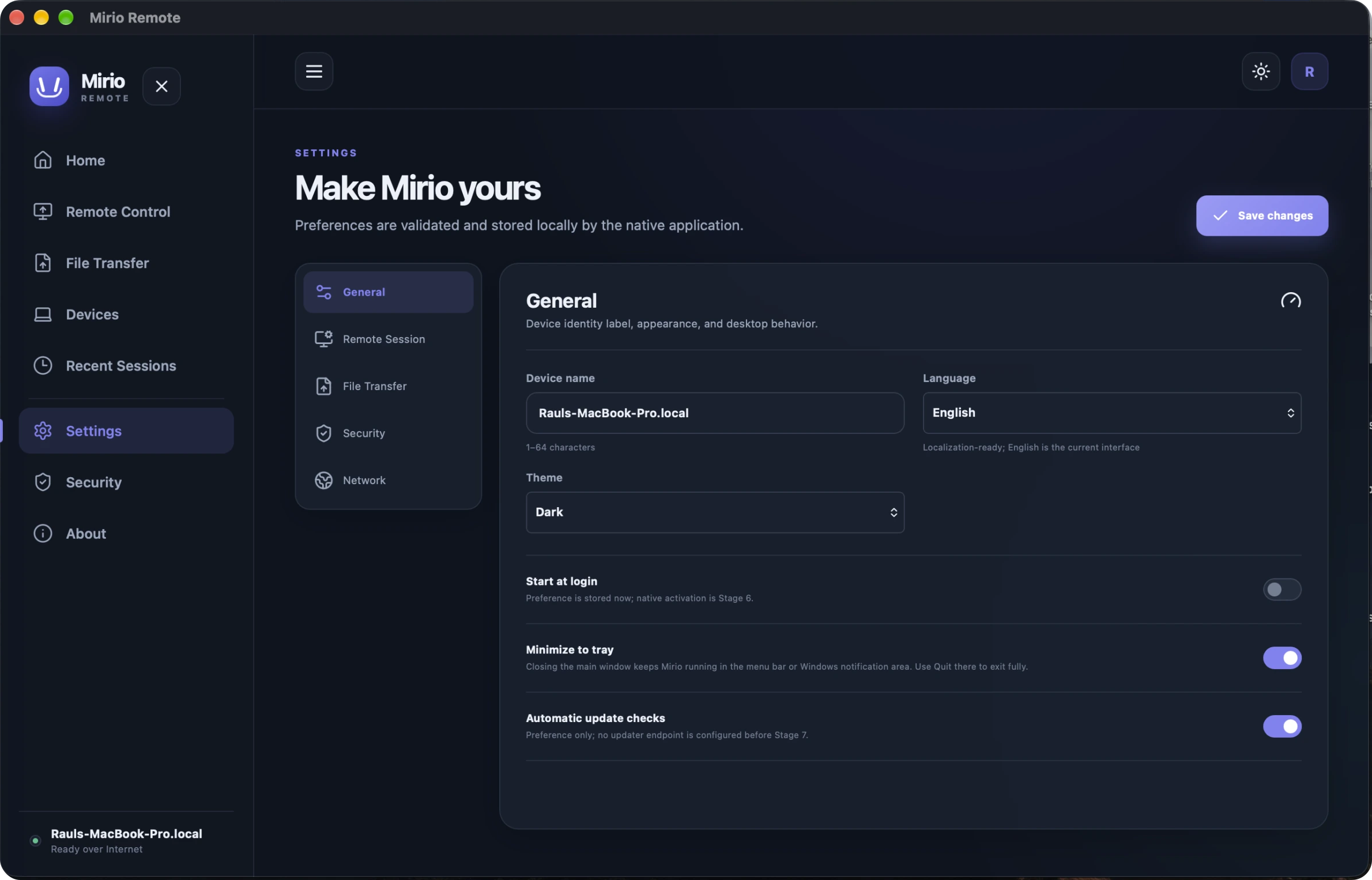
Make the workspace yours
Personalize device naming, language and the appearance of your remote desktop workspace.
Comfortable in either theme
Switch between dark and light appearance to suit your screen and surroundings.
Meet Mirio Remote.
Mirio Remote is a remote desktop app for accessing a computer from a distance. It is designed for reaching your own computer or helping another person through a remote-control session.
A familiar workspace
A desktop interface brings connection controls, devices, recent sessions and preferences into one place. Personalize device naming and switch between light and dark appearance.
For Mac and Windows
Follow the availability shown on this page for each release. If you have a question about access, compatibility or using Mirio Remote, our support desk can help.
Questions you might have.
What can I use Mirio Remote for?
Mirio Remote is a remote desktop application for accessing a computer from a distance, such as reaching your own computer or helping another person through an approved remote session.
Which platforms is Mirio Remote designed for?
Mirio Remote is designed for macOS and Windows. Check the release status and download options on this page for current availability.
Which macOS permissions are needed for remote access?
Screen sharing can require Screen Recording permission, and approved remote input control can require Accessibility permission. Manage these permissions in macOS System Settings.
Should I include an access code in a support request?
No. Keep access codes and private connection details out of support messages. Share session access only with a person you trust.